Your design.
In the spotlight.
Turn your images into a complete picture. Create mockups for feeds, slides, websites and print designs — just the way you want to show them.
Right in your browser.
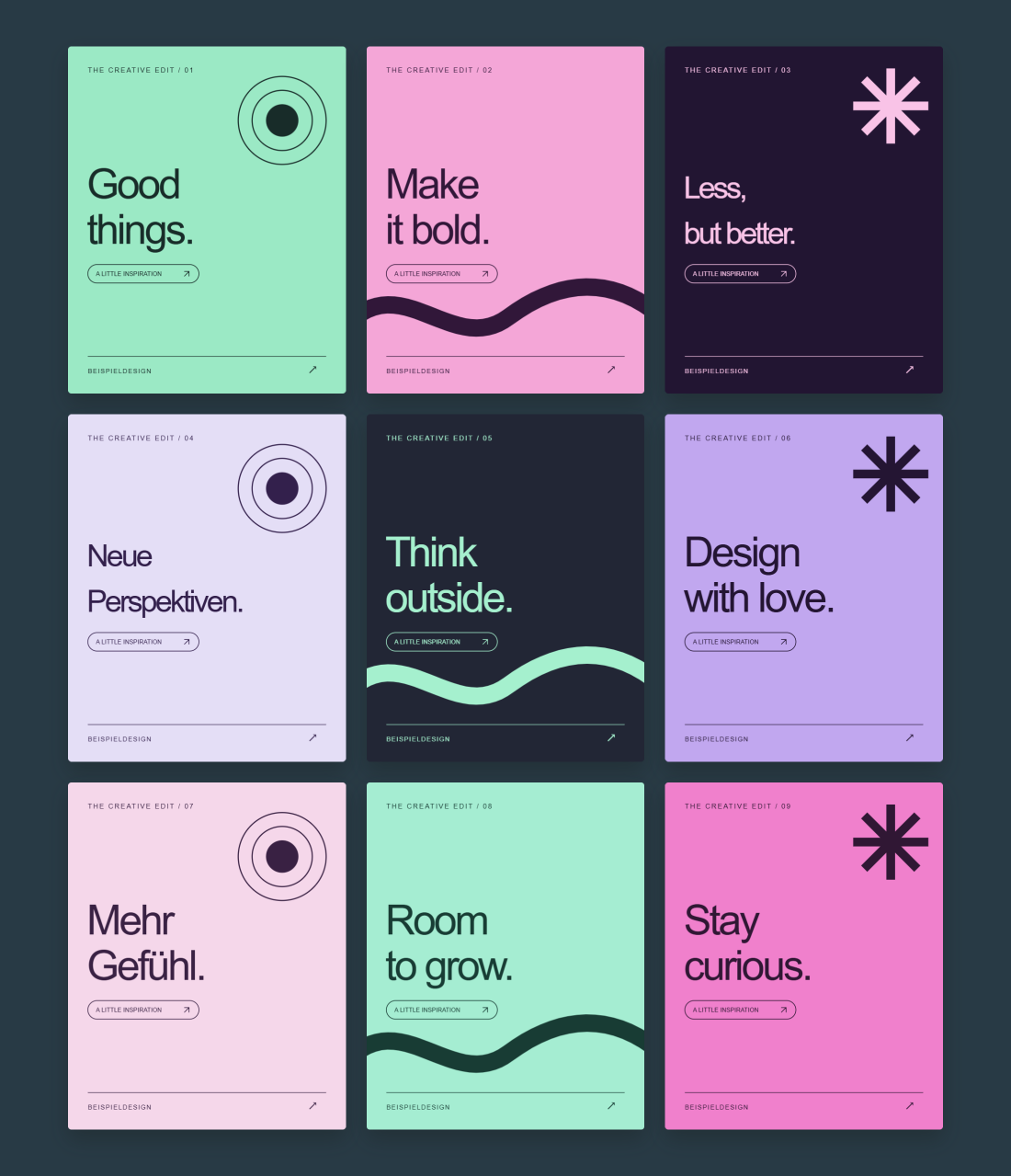
What would you like to show?
Choose a layout. Make the rest your own.
From your images
to your finished mockup.
For your portfolio, your next client pitch or a fresh social media presence.
- 01
Add images
Choose multiple screenshots or designs. Your order is preserved.
- 02
Make it yours
Explore spacing, corners, shadows, rotation and backgrounds.
- 03
Export & share
Download your result as PNG or JPG at up to 4,800 pixels wide.
Good to know.
Which mockups can I create?
Present social media designs, slides, website screenshots and print designs in one image. Templates range from social feeds and desktop/mobile combinations to business cards, postcards and single-sided flyers.
Which files can I use?
PNG, JPG, WebP and PDF — up to 40 images or PDF pages in total. Multi-page PDFs are split automatically. Export PowerPoint slides as PDFs or images first; PPTX files are not supported directly.
How do I customize my mockup?
Drag, resize and rotate elements directly in the preview. Change their order under “Your content”. Settings include layout, 3D perspective, shadows and backgrounds. For print mockups, edit the paper and artwork independently. Changes can be undone.
Do my images stay on my device?
Yes. Uploaded images and PDFs are processed locally in your browser. Only the optional Instagram import retrieves images through the project server after you connect your account.
How do I export my mockup?
Export as PNG or JPG at up to 4,800 pixels wide. Under “Output”, choose aspect ratios such as 4:3, 1:1, 16:9 or 9:16. PNG supports a transparent background.
Can I continue editing later?
Yes. “Save project” downloads a JSON file containing your images, PDF pages, background image and all settings. Load it with “Open saved project”, even after restarting. You do not need to upload each image again.
Save your latest changes before closing; there is no autosave. To continue editing, you need the JSON file rather than the PNG or JPG export.
Your mockup.
Add images. Choose a layout. Make it yours.
Category
Edit elementSelect directly in the image
Edit directly: drag an image · corner handles resize · side handles change mask width and height · round handle rotates. Drag to snap to the grid, edges, center and equal spacing. Rotation snaps to 0°, 90°, 180° and 270°. Shift: 15° steps. Alt: move and rotate freely. Keyboard: arrows move, +/− resize, [/] rotate, Esc deselects.
Your mockup starts here.
Drop images or a PDF here. Each PDF page becomes a tile.
Your content09
Add, sort and arrange images and PDF pages.
Images and PDFs are processed locally. Instagram imports require an account connection.